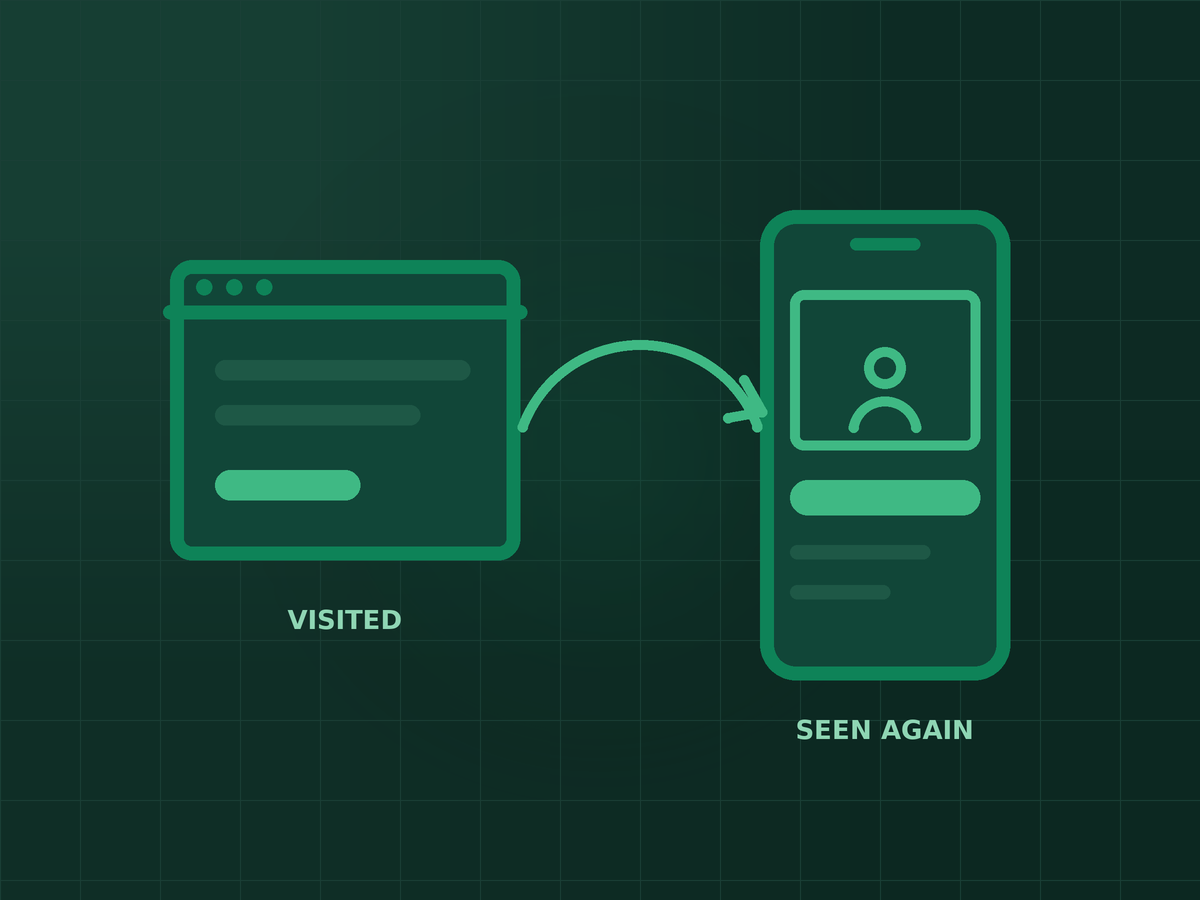
Short answer: Retargeting shows ads to people who have already interacted with your business — visited your website, watched your videos, messaged your page or opened a lead form. Start with a small number of warm audiences that match where people are in their decision, keep the time windows sensible, and exclude people who have already converted.
Most people do not enquire or buy on their first visit. They compare options, check reviews and come back later — often after a reminder. Retargeting is that reminder, and because these people already know you, it is usually one of the most efficient parts of an ad budget.
What you need first
Website retargeting depends on tracking. The Meta Pixel, ideally paired with the Conversions API, records who visits which pages and who converts. If your tracking is incomplete, your audiences will be too — see why your ads can't see your sales for how to check it. Engagement audiences, built from activity on Facebook and Instagram, do not need the pixel at all.
The audiences worth building first
- Website visitors who did not convert. Everyone who visited in the last 30 days, minus those who submitted a form or bought. This is the core retargeting audience for most businesses.
- Visitors to key pages. People who viewed your pricing, service or booking pages are closer to a decision than someone who read one blog post. Give them their own audience and message.
- Video viewers. People who watched a meaningful share of your videos. Useful for businesses that explain a service or show results on video.
- Page and profile engagers. People who messaged, followed or interacted with your Facebook Page or Instagram account.
- Lead form openers who did not submit. If you run lead ads, this group showed interest and stopped halfway. A short reminder often works well here.
Lists of existing customers are also useful, mainly as exclusions or for repeat-purchase offers. Make sure you have permission to use customer data this way under your privacy policy.
How long to keep people in an audience
- Fast decisions, such as food, events or low-cost products: 7 to 14 days.
- Considered purchases, such as clinics, courses or home services: 30 to 90 days.
- Long sales cycles, such as property or B2B services: up to 180 days for website visitors, with lower spend on the older segment.
Smaller, more recent audiences usually respond better but cost more to reach. Watch frequency: if the same people see your ad many times a week, refresh the creative or widen the window.
Common retargeting mistakes
- Not excluding converters. Paying to show “Book now” ads to people who already booked.
- Same message to everyone. A pricing-page visitor needs different reassurance from someone who read one article.
- Audiences too small to deliver. Very narrow segments on a small site may barely spend. Combine them until they are large enough.
- Judging retargeting on its own. It harvests interest created elsewhere. If prospecting stops, retargeting audiences shrink too.
Also note that some campaign settings, such as Advantage+ audience options, can expand delivery beyond the audience you selected. Check your ad set settings if you want ads shown strictly to your retargeting list. For the broader picture of who to reach before they ever visit, read the Facebook and Instagram targeting guide.
Key takeaways
- Retargeting reminds people who already know you, which usually makes it efficient.
- Start with non-converting website visitors, key-page visitors, video viewers, engagers and lead form openers.
- Match time windows to how long your customers take to decide, and always exclude converters.
- Retargeting depends on prospecting and on accurate pixel and Conversions API tracking.
Frequently asked questions
What is retargeting on Facebook and Instagram?
Showing ads to people who have already interacted with your business, such as website visitors, video viewers or people who engaged with your page.
Do I need the Meta Pixel for retargeting?
For website audiences, yes, ideally together with the Conversions API. Engagement audiences from Facebook and Instagram activity do not need the pixel.
How long should a retargeting audience be?
It depends on how long your customers take to decide. Around 7 to 14 days for quick purchases, 30 to 90 days for considered ones, and longer for long sales cycles.
Why is my retargeting audience not spending?
It may be too small. Widen the time window, combine similar audiences, or check that your pixel is recording visits correctly.
How much of my budget should go to retargeting?
Usually a smaller share than prospecting, since the audience is limited. Increase it while results stay strong and frequency stays reasonable.

SEO specialist and digital marketer from the Philippines. I handle SEO for the country’s biggest media and publishing brands — Vogue Philippines, MEGA, Billboard Philippines, Rolling Stone Philippines — alongside clinics, e-commerce stores, and startups. Every article here comes from real client campaigns.
Not sure who your ads should be following up with?
I will check your pixel, audiences and campaigns and show you where retargeting can bring in more leads.