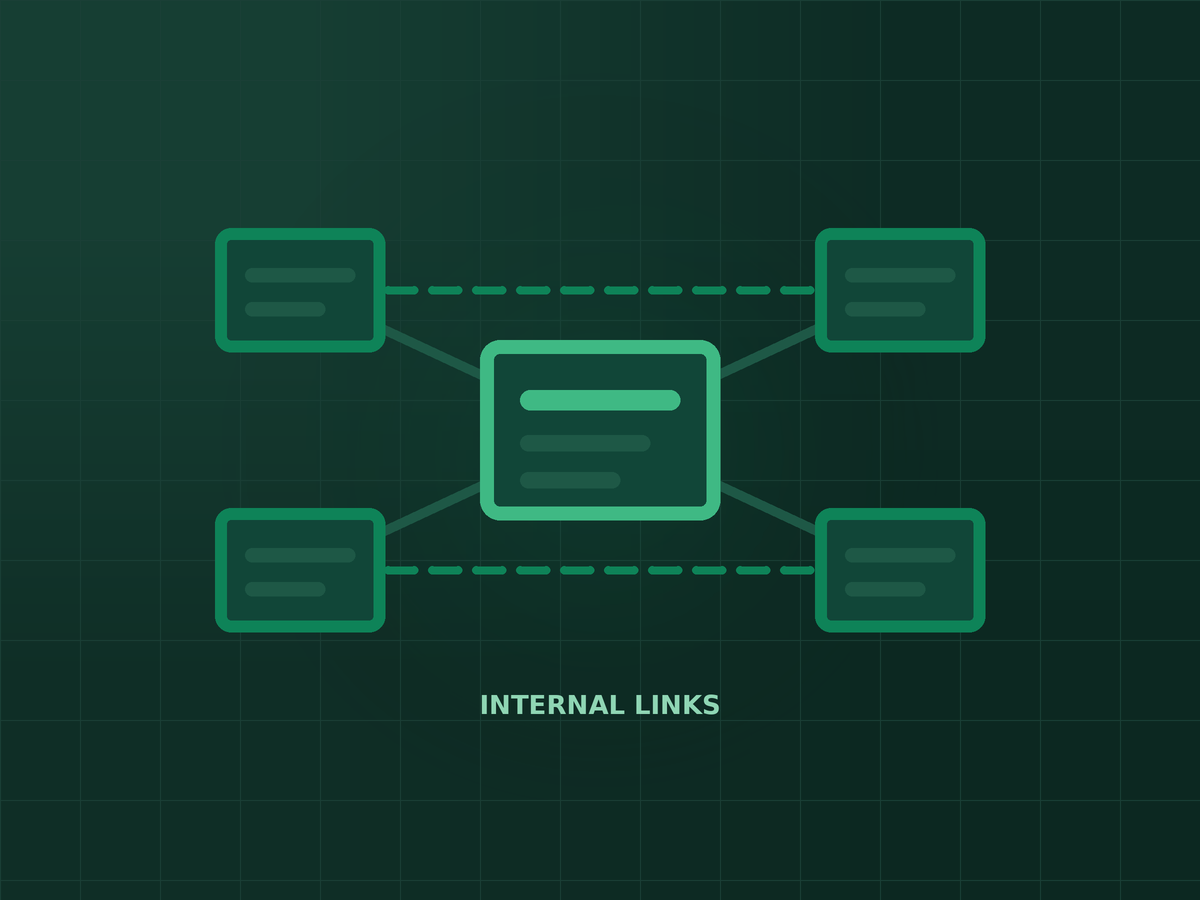
Short answer: Internal links are the links from one page of your website to another. They help Google discover your pages, understand what each one is about, and decide which ones matter most. Unlike backlinks, you control every one of them — which makes internal linking one of the cheapest SEO improvements you can make.
Most business websites in the Philippines link to their important pages only from the menu. Blog posts sit on their own, service pages get no support from the articles that mention them, and a few pages are not linked from anywhere at all. Fixing that does not need a budget, only a plan.
What internal links actually do
- Discovery — Google finds most pages by following links. A page with no internal links pointing to it (an orphan page) may be crawled rarely, or not at all.
- Context — the words you link with, the anchor text, tell Google what the destination page is about.
- Priority — pages that receive more internal links from relevant pages are signalled as more important within your site.
- Visitors — good links move readers from an article to the page where they can actually enquire or buy.
The most common internal linking problems
- Orphan pages. Service pages, landing pages or old posts that nothing links to.
- Vague anchor text. “Click here” and “read more” tell Google nothing about the page on the other end.
- Money pages with no support. Your most valuable service page gets links only from the menu, while blog posts on the same topic never mention it.
- Links to redirects or broken pages. Common after a redesign; each one wastes a little crawl effort and a lot of visitor patience. If you are planning a rebuild, read how to redesign without losing your rankings first.
- Too many links in one place. A footer with fifty links does less than three well-placed links inside the content.
A simple process to fix them
- List your priority pages. The five to ten pages that bring in leads or sales: services, key products, location pages.
- Find related content. Search your own site on Google with
site:yourdomain.complus the topic, or use Search Console's Performance report to see which posts already rank for related queries. - Add contextual links. From each related post, link to the priority page in a sentence where it makes sense, using descriptive anchor text such as “dental SEO in Cebu” rather than “this page”.
- Link between related articles. Group posts by topic and link them to each other and to the main page of that topic, so each group reads like a small library.
- Check for orphans. Compare the pages in your sitemap with the pages your crawl tool can reach by following links. Anything only in the sitemap needs links.
- Repeat when you publish. Every new post should link to at least one priority page and receive a link from at least one older post.
How many internal links is right?
There is no magic number. A useful rule is to add a link wherever a reader would genuinely want to go next, and to make sure every important page receives links from several relevant pages. If a link would feel forced in the sentence, leave it out.
Internal linking will not make up for thin content or a site that is slow and hard to use, but it often helps good pages that are stuck just outside the top results — a pattern covered in why most SEO campaigns plateau at page 2. It is also a quick check worth doing whenever your traffic drops.
Key takeaways
- Internal links help Google discover pages, understand them and judge which ones matter most.
- Fix orphan pages, vague anchor text and links pointing to redirects or broken pages.
- Link from related articles to your priority pages using descriptive anchor text.
- Make internal linking part of publishing every new post, not a one-time project.
Frequently asked questions
What is an internal link?
A link from one page on your website to another page on the same website, such as a blog post linking to a service page.
Do internal links help SEO?
Yes. They help search engines find your pages, understand their topics through anchor text, and see which pages you consider most important.
What is an orphan page?
A page that no other page on your site links to. Search engines and visitors have a hard time finding it, so it rarely performs well.
Should I use exact-match keywords as anchor text?
Use descriptive, natural anchor text. Varying it is fine; what matters is that it clearly describes the page you are linking to.
How often should I review internal links?
Add links every time you publish, and run a full check a few times a year or after any redesign or URL change.

SEO specialist and digital marketer from the Philippines. I handle SEO for the country’s biggest media and publishing brands — Vogue Philippines, MEGA, Billboard Philippines, Rolling Stone Philippines — alongside clinics, e-commerce stores, and startups. Every article here comes from real client campaigns.
Want to know which pages are missing links?
I will map your internal links and show you the pages that deserve more of them.