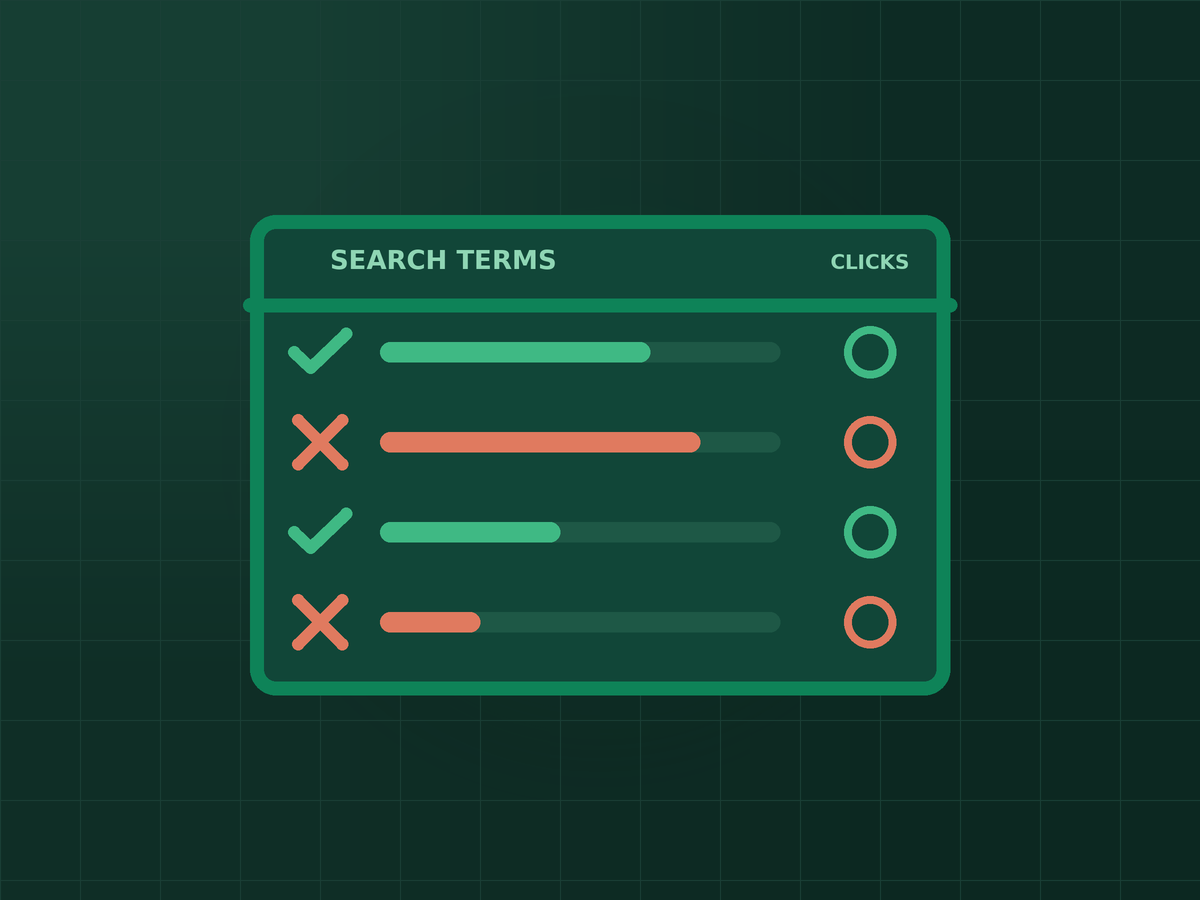
Short answer: The search terms report shows the actual searches that triggered your ads and cost you clicks — not the keywords you chose. Reviewing it regularly lets you block irrelevant searches with negative keywords and promote the searches that really convert, which is one of the most direct ways to stop wasting Google Ads budget.
When you build a campaign you choose keywords. What Google matches them to is a wider set of real searches, and some of those are not what you intended. The only place you see the difference is the search terms report.
Keywords vs. search terms
A keyword is what you bid on. A search term is what the person actually typed. If you bid on “dental implants”, your ad might also show for “dental implants jobs”, “how to make dental implants at home” or “free dental implants” — depending on match types and how Google interprets intent. You pay for those clicks, and none of them are customers.
Where to find it
In Google Ads, open the Insights and reports section and look for Search terms. The exact menu labels change from time to time, so if it has moved, search the left-hand menu for “search terms”. Set the date range to cover enough clicks to be meaningful, then sort by cost or clicks.
Two limits are worth knowing. Google hides some low-volume searches for privacy reasons, so you will see an “other search terms” line rather than every query. And different campaign types show different amounts of search term detail — Search campaigns give the fullest view.
What to look for
- Wrong intent. Searches from people who want a job, a free version, a do-it-yourself guide, or a definition rather than a service.
- Wrong place. Searches naming locations you do not serve.
- Wrong product. Searches for something related but different from what you sell.
- Competitor or brand names you do not want to pay to show for.
- Clicks with no results. Terms that keep costing money and never produce an enquiry — but only judge these once there are enough clicks that a single unlucky day is not driving the conclusion.
How to block a wasteful search
Select the search term and add it as a negative keyword. You can apply negatives at the ad group level, the campaign level, or in a shared negative keyword list that covers several campaigns. Choose the narrowest level that solves the problem: a word that is wrong for one service may be perfectly right for another.
Negative keywords also have match types, and they behave a little differently from regular keywords. A negative keyword does not automatically cover close variants such as plurals or misspellings, so add the variants you care about. And be careful with broad negatives: adding “free” as a negative is sensible if nothing you offer is free, and a mistake if you run a free consultation you want people to find.
Don't only subtract — promote the winners
The same report shows searches that convert. When a specific search term brings real enquiries, add it as its own keyword (usually phrase or exact match) so you control the bid and the ad text for it. That turns an accident into a deliberate part of the campaign.
A simple routine
- Check the report weekly for the first month of a new campaign, when the most waste is usually found.
- Add clear negatives, and promote clear winners.
- After that, review every couple of weeks or monthly, depending on spend.
- Record what you added and why, so changes can be traced if results move.
If you want to check your whole account rather than one report, the 15-minute profitability check is a good next step, and understanding Quality Score explains why relevance affects what you pay.
Key takeaways
- Keywords are what you bid on; search terms are what people actually typed — and you pay for the second.
- Look for wrong-intent, wrong-place and wrong-product searches, and for terms that keep costing money without results.
- Add negative keywords at the narrowest level that fixes the problem, and include the variants you care about.
- Promote converting search terms into keywords so you control them deliberately.
Frequently asked questions
How often should I review the search terms report?
Weekly during the first month of a campaign, then every couple of weeks or monthly depending on how much you spend. Higher spend and broader matching justify more frequent checks.
Why are my ads showing for searches that don't match my keywords?
Google can match your keywords to related searches, depending on match types and its reading of intent. That is exactly why the report exists: it shows where that matching is helping and where it is wasting money.
Can negative keywords hurt my campaign?
Yes, if they are too broad. A negative keyword blocks every search that contains it, so check that you are not excluding terms that real customers use before adding it.
Do negative keywords cover plurals and misspellings?
Not automatically. Negative keywords generally do not expand to close variants the way regular keywords can, so add the specific variations you want blocked.
Is this the same for Performance Max campaigns?
Not exactly. Campaign types differ in how much search term detail they show and how much control you get. Search campaigns provide the most complete view, which is why this routine is most useful there.

SEO specialist and digital marketer from the Philippines. I handle SEO for the country’s biggest media and publishing brands — Vogue Philippines, MEGA, Billboard Philippines, Rolling Stone Philippines — alongside clinics, e-commerce stores, and startups. Every article here comes from real client campaigns.
Not sure where your ad budget is leaking?
I will go through your search terms and show you what is wasting money and what is worth scaling.